
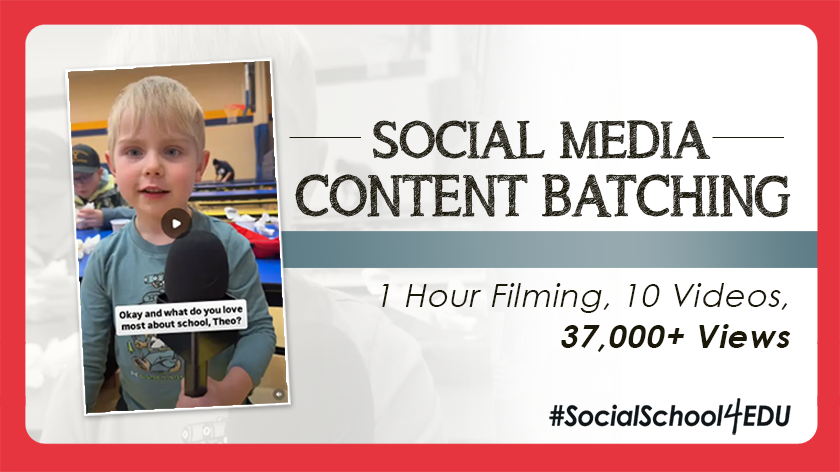
Lack of time is the biggest obstacle for anyone running social media for a school. After all, you have a never-ending list of communication responsibilities, and content creation takes time! Anyone who thinks you have an “easy job” that’s just “playing around on social media” has no idea what actually goes into each and every post…
I also know that using more videos on social media is one of the top goals school communicators have, year after year. Short-form, vertical video content is the best way to boost engagement and views on your social media accounts.
But creating great video content that people actually want to watch can feel intimidating and time-consuming, especially when you consider everything else on your plate.
That’s why I’m here to tell you that it doesn’t have to be so overwhelming. You can film content efficiently, edit it in batches, and spread it out over weeks (or even months!) on your social media channels.
Today, I’m sharing the exact step-by-step framework I used to record 10 short videos during a single school event, then edit and release them over the next eight weeks. We earned 37,600 total views on Instagram Reels – and this was all generated from one night of effort using basic gear you likely already own!
Ready to see how I did it?
Step 1: Gather Your (Simple) Equipment
You really don’t need a professional camera crew or expensive studio lighting to capture authentic school stories. Here’s the exact setup used for all 10 videos:
Cell Phone: Used for filming and editing directly inside the Instagram app.
Wireless Microphone: Plugged into the phone for crisp student and staff audio.
Step 2: Strategize a School Event to Attend
At my little school district in New Auburn, Wisconsin, Academic Night is a wonderful (and chaotic) annual event where pre-K through 12th-grade students display their best projects for families and the wider community.
What does your school or district have that is similar? Is there an event where you’re likely to capture a wide range of diverse voices? Where the atmosphere is fun and relaxed, and you don’t have to feel like you’re rushing?
The bottom line is to simply pick an event that lets you capture the most content at once!
Step 3: Understand Your Content-Collecting Mission
While static photo posts are great, short-form video interviews are really best for capturing creativity, passion, and excitement in authentic student voices. Remember, you’re not trying to chronicle every moment of this event. You’re not a documentarian; you’re a storyteller. So look for people willing to give you short interviews, and your content will speak for itself.
That’s why, for my video shoot at Academic Night, I intentionally didn’t post one long recap video or dump a ton of photos on social media afterward. And I didn’t make it to every activity hosted that evening. Instead, my strategy was simple:
Capture quick, authentic interviews with students and staff, then space out 10 distinct Reels over the next two months.
Step 4: Film, Edit, and Post Your Videos
From here, you just need to execute your plan. Here’s how each of my 10 videos came together, and I think you’ll get some real-world ideas that you can use in your district, too!
March 5: Event Kickoff & Admin Recap (3,147 Views)
I published this video the night of the event, right after I got home! The video opens with a quick interview with Principal McMahan and closes with a thank-you from District Administrator Mr. Hiess. I didn’t plan this, but I’m glad I asked for a welcome and a thank-you from each administrator.
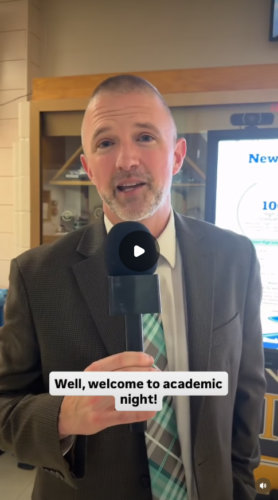
Pro Tip: Keep the audio from your administrator interviews, and layer event photos and video clips over the voiceover.
March 10: Get to Know Theo (8,946 Views)
Theo agreed to an interview while eating with his family. Since young students often give short answers, keeping my voice in the audio, as the interviewer, helped maintain a natural flow of conversation! I wanted to capture what the follower would see if they watched the video, so this one was just “Get to know Theo.”
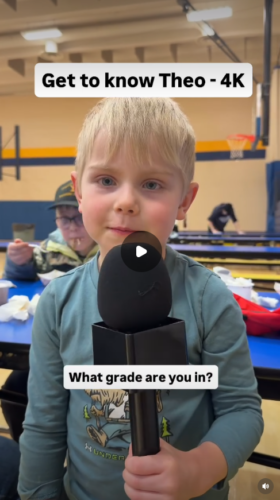
Pro Tip: Create custom cover images using Instagram Stories, then save them directly to your camera roll instead of posting them to your story.
March 12: Budding Artist Exhibition (3,234 Views)
Middle schoolers can be camera-shy, but gently encouraging Kathryn allowed her art talent to shine through. I was honestly amazed at everything she created – and I knew our community would love it!
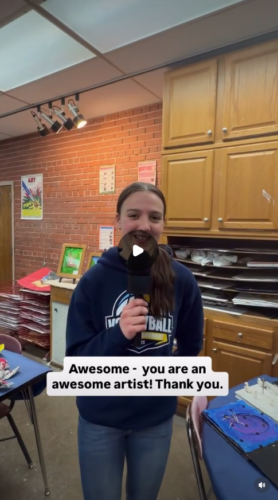
Pro Tip: Embrace “imperfect” camera movements – I’m certainly not a pro. But posted is always better than perfect and unpublished! This is authenticity at its finest.
March 16: Math Classroom Tour with Mrs. Hovde (4,814 Views)
After overhearing Mrs. Hovde explain modern math instruction to a family, she agreed to give a quick on-camera tour. People love real-life peeks into your school, especially when it shows how much things have changed since their days in the classroom.
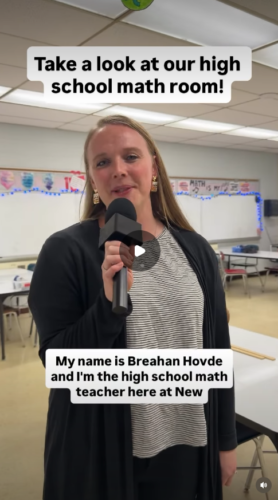
Pro Tip: Be ready for unexpected video opportunities. You never know what you’ll overhear that becomes a great story.
March 17: Michael’s Rube Goldberg Machine (4,265 Views)
This video showcased a classic 4th-grade physics project – I remember my girls doing this project when they were in that class! Michael’s machine worked perfectly, capturing an authentic balloon pop and a heartwarming high-five from his grandpa at the end!
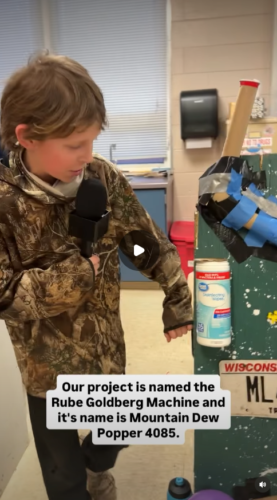
Pro Tip: Unscripted moments (like family reactions) are social media gold. And even though I didn’t move fast enough to get the balloon pop on camera, the video still does its job!
March 23: Real-Life Running Water Project (2,687 Views)
This project with actual running water was too impressive to pass by. Movement makes for a great video!
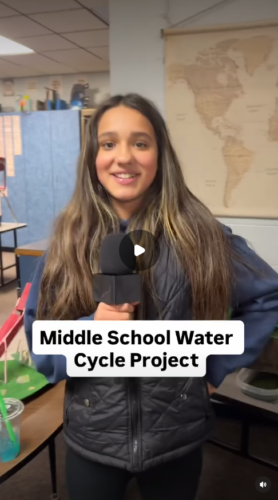
Pro Tip: Have every student introduce themselves at the start of the recording and wave goodbye at the end.
March 25: Designing a Dream House (2,713 Views)
Gabe designed my kind of dream house – with a pool and everything! Check out how Gabe integrated math concepts (area and perimeter) with creative design.
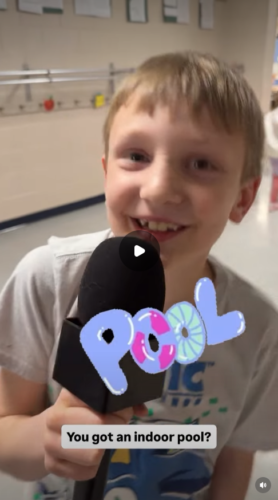
Pro Tip: Use captions and student narration to explain student work clearly when the physical drawing or poster might be hard to read on a mobile screen.
April 7: Shy Student Opens Up (2,576 Views)
First-grader Josie was nervous and needed some extra coaxing, but her knowledge blew me away once she got going! To make her more comfortable, we did the interview one-on-one in a quiet room.
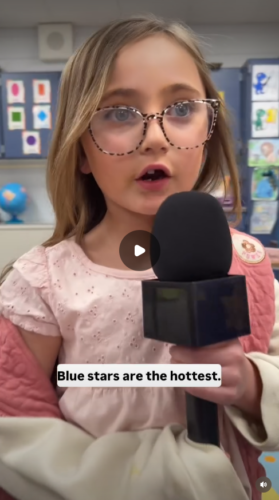
Pro Tip: Give camera-shy young students a quiet environment away from crowds to build their confidence.
April 9: Explosive Chemistry Experiment (3,218 Views)
This experiment was too hot not to share! Viewers are kept in anticipation because you have to watch to the very end to see the result of Aiden’s chemistry reaction.
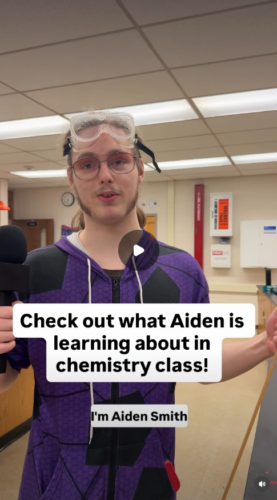
Pro Tip: Let passionate students take the lead. Their enthusiasm is contagious on social media!
April 27: Oaklyn’s Kindergarten Project (2,029 Views)
Kindergarten is pretty young, but they are learning so many things. Oaklyn was a bit nervous, but after some encouragement from her mom and me, she agreed to grab that microphone and explain her project.
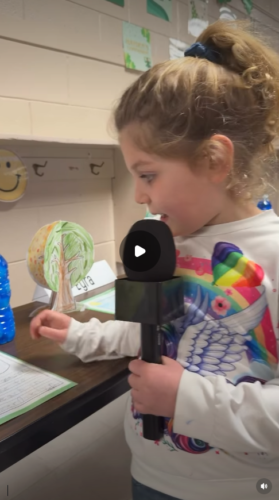
Pro Tip: Handing the student a physical microphone gives them a fun, empowering role that eases camera nerves.
Bonus Tips for Batching and Posting Content
I recommend designing custom images in Instagram Stories to get the best possible “still” for your Reel. You can easily create clean cover text in Instagram Stories, save the image directly to your phone’s camera roll, and upload it as your Reel thumbnail so viewers immediately know what the video is about.
Next, don’t stress about your voice ending up in the final video. While you want to keep the focus on the students, leaving your prompt questions in the final audio works well if students give brief answers.
Also, always add closed captions to your videos. Over 80% of social media users watch video without sound. Built-in Instagram captions ensure your message reaches every viewer!
Finally, after posting your Reels, organize them into Instagram Highlights. I saved mine under “Academic Night” on our Instagram account. This ties your stories together!
Watch these two videos to learn more:
Are You Ready to Give This a Shot?
If this article taught you one thing, I hope you learned that creating short-form vertical videos doesn’t have to be an ordeal. You don’t need weeks of filming to create engaging social media content!
When you go into an event intending to capture quick, authentic student stories, magic will happen. And then you can batch your content, protect your time, and consistently celebrate your school community for months!